01Import statement
From your bank PDF to the app.
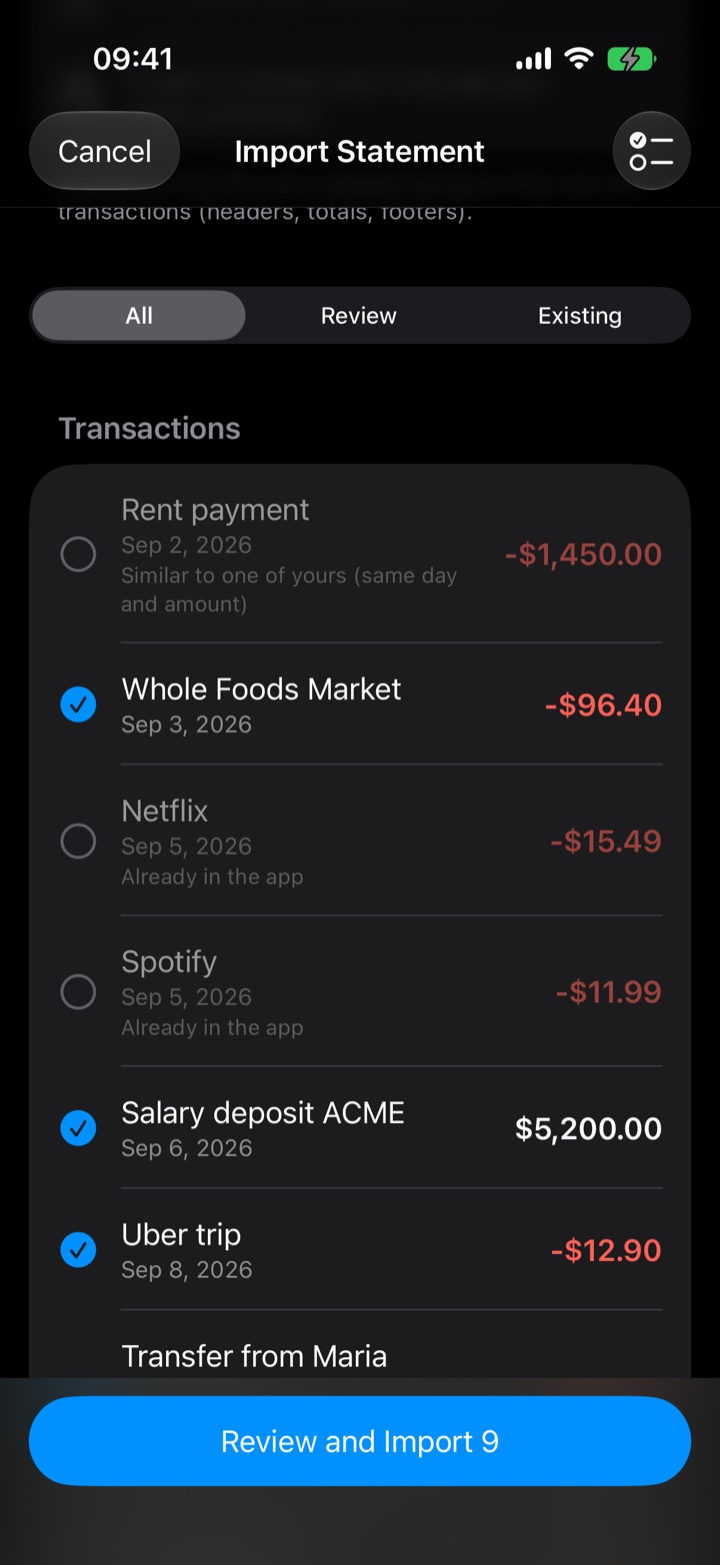
Pick the statement and the app reads the entries, flags the ones that already exist and lets you review before importing.
Whole Foods Market-$386.40
NetflixAlready in the app
Apartment rentSimilar to yours
02PDF report
A statement ready to keep.
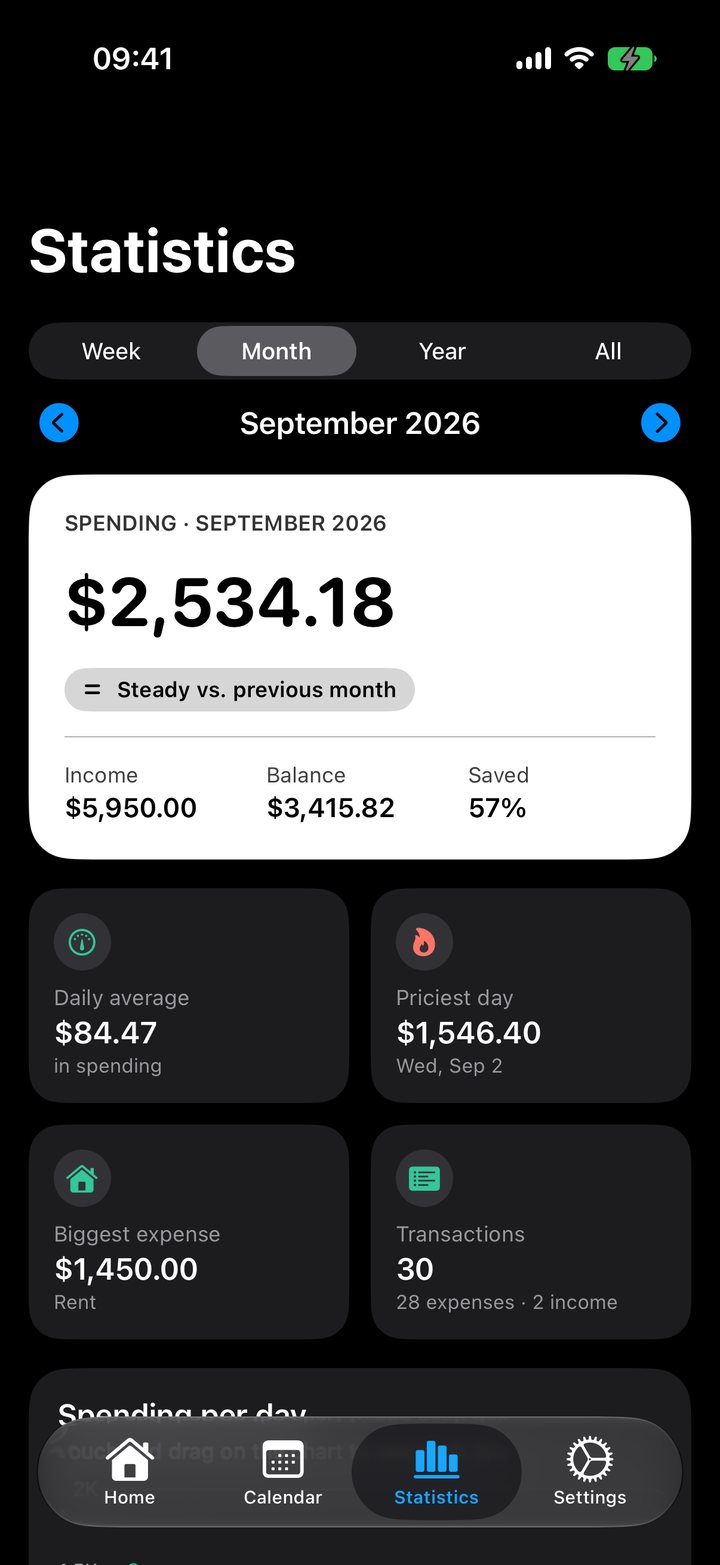
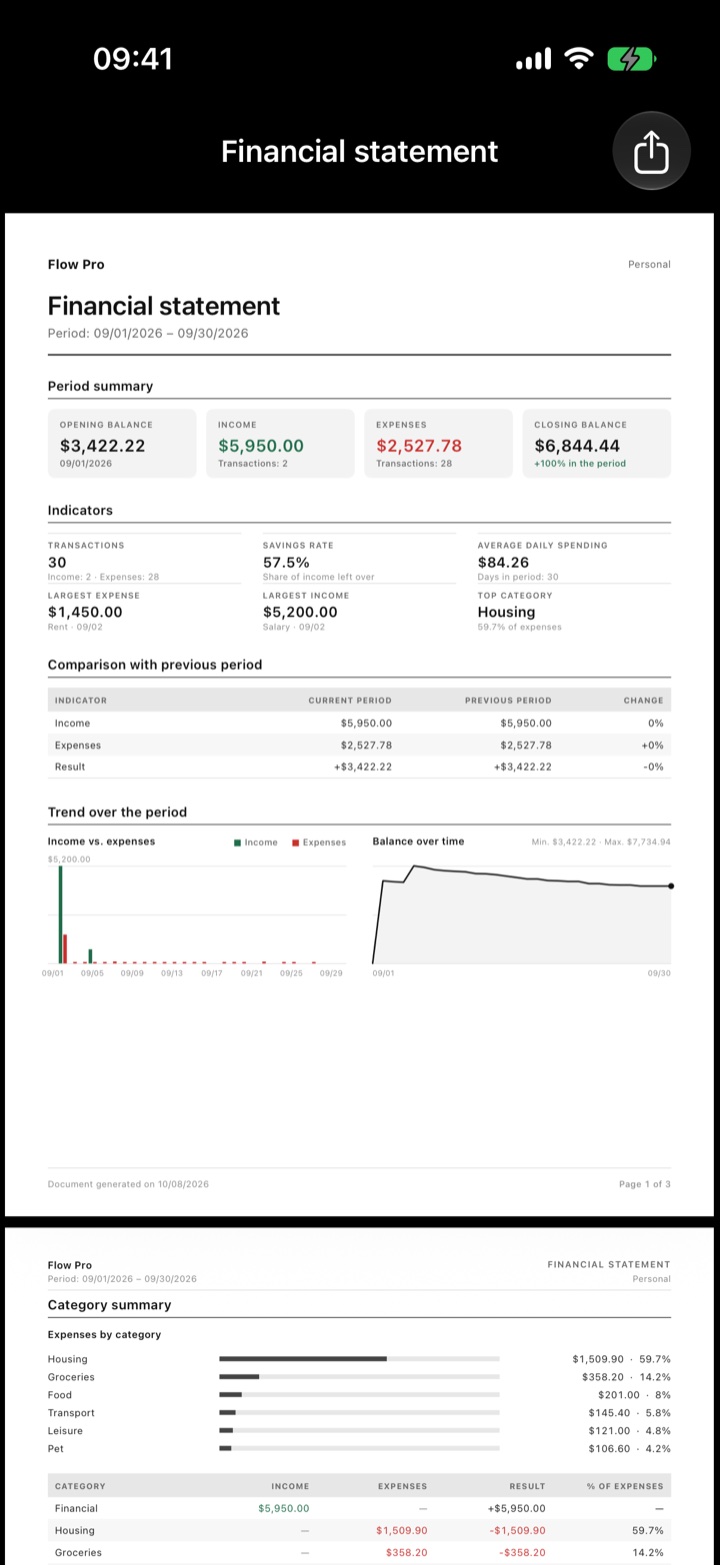
Summary, indicators, comparison and charts for the period, in a PDF with the profile name.
Savings rate44.2%
Housing40.8%
Groceries26.2%
Transport9.3%
03Your categories
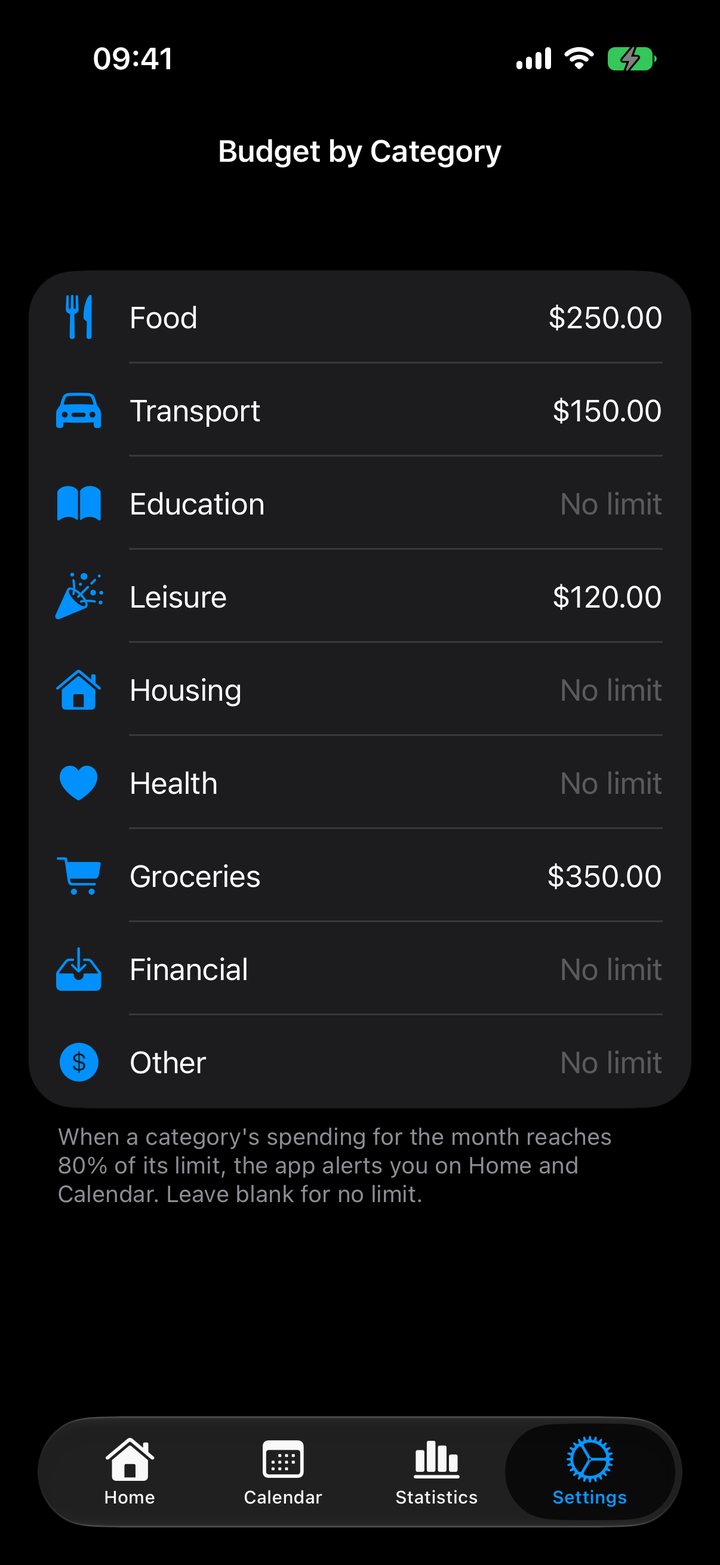
Categories, your way.
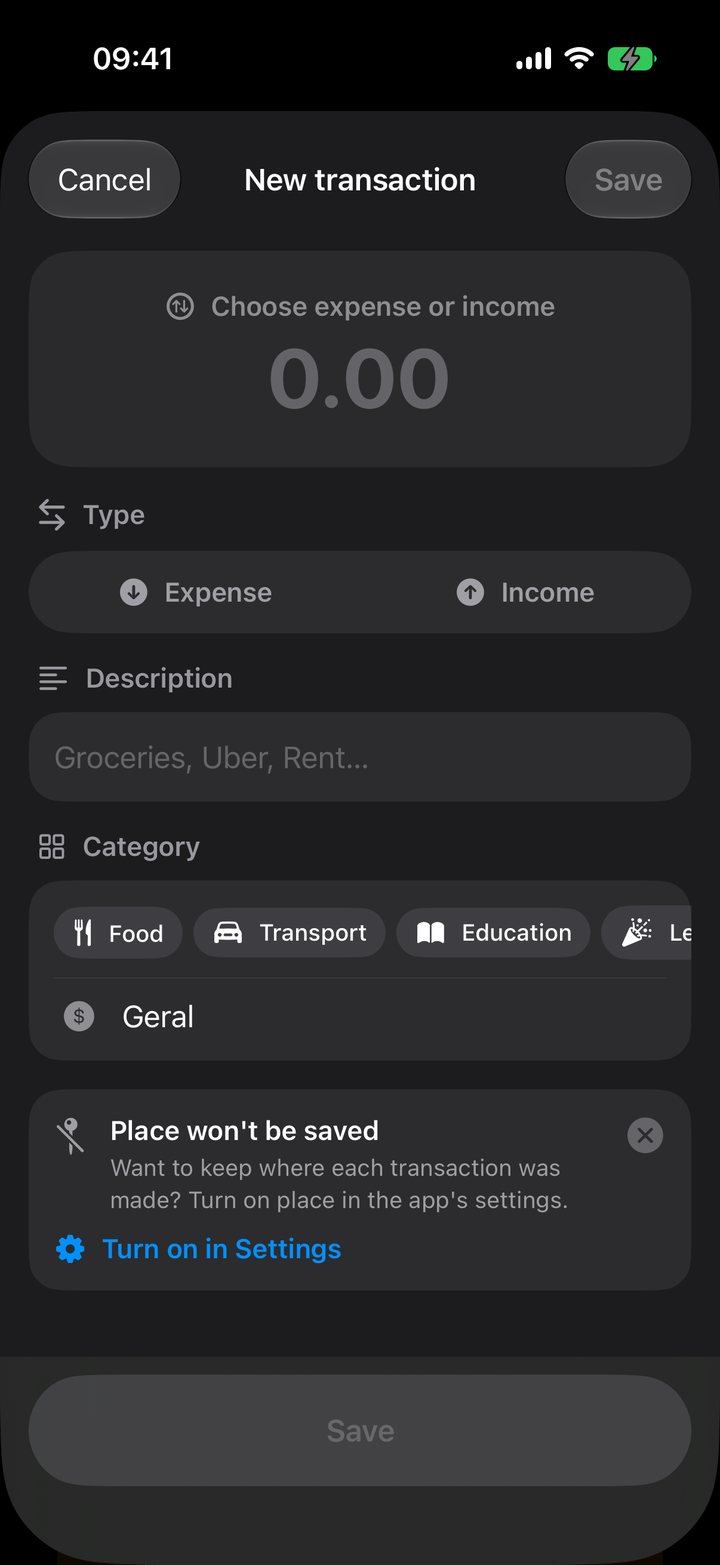
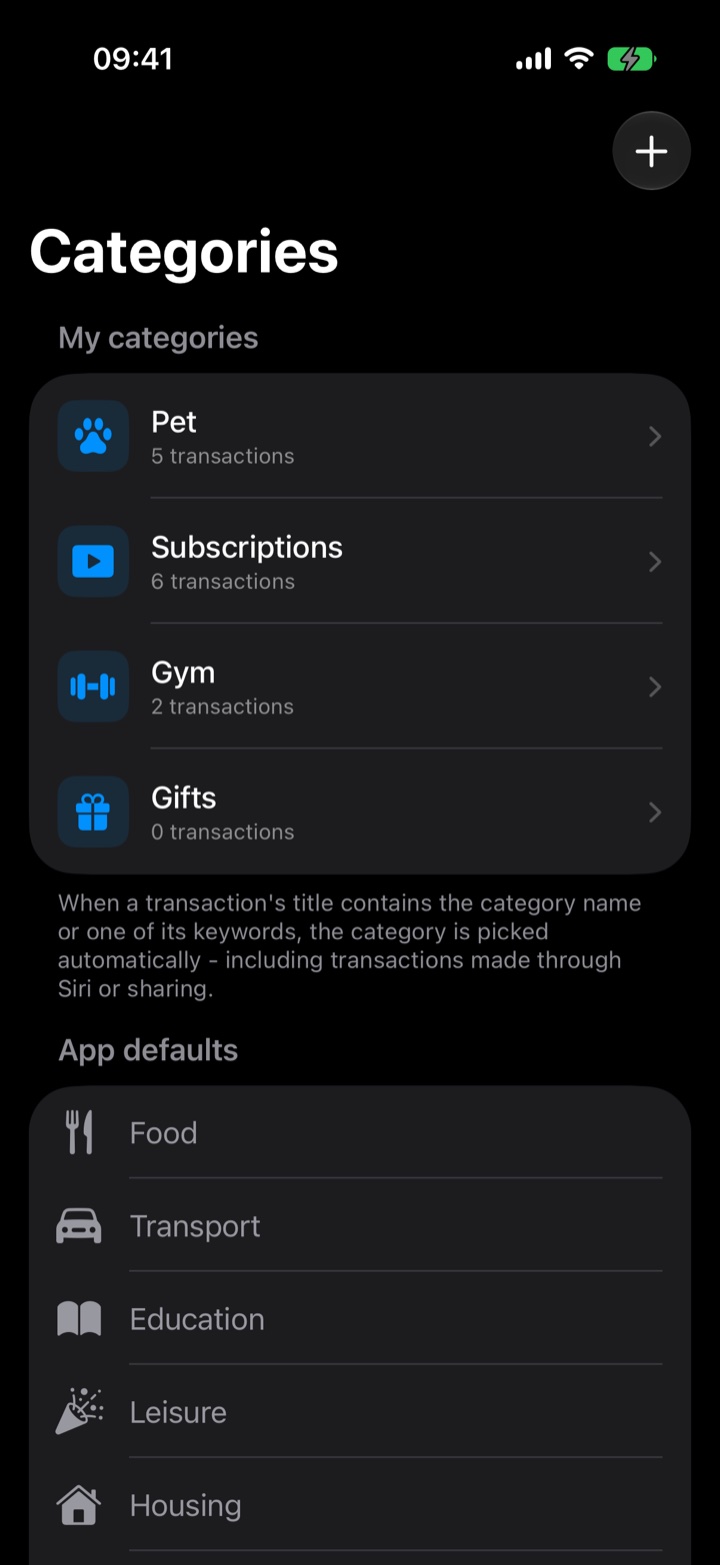
Create categories like Pet or Gym. If a title has its name or a keyword, the app picks it for you, even for entries made with Siri.
Pet5 entries
Subscriptions6 entries
Gym2 entries
04Account profiles
Each account in its place.
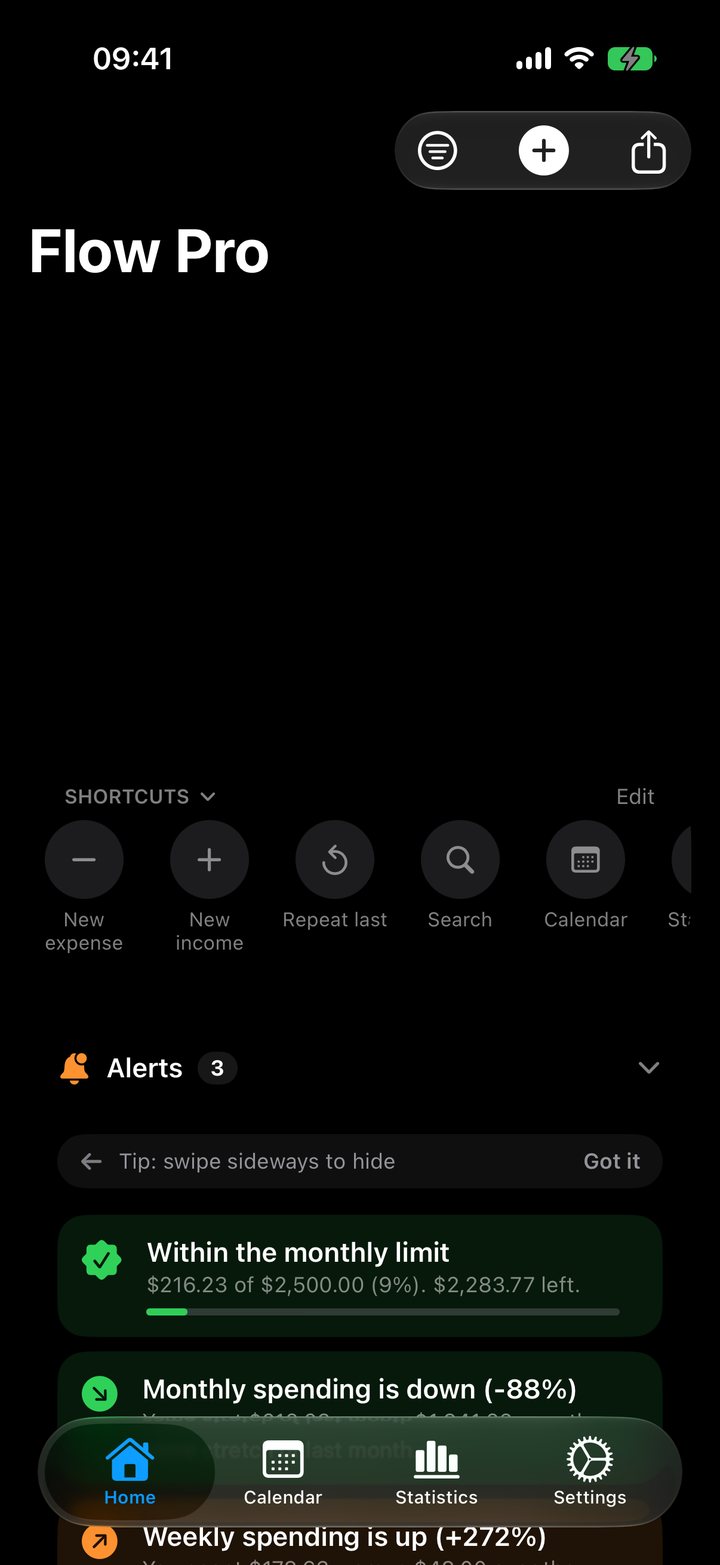
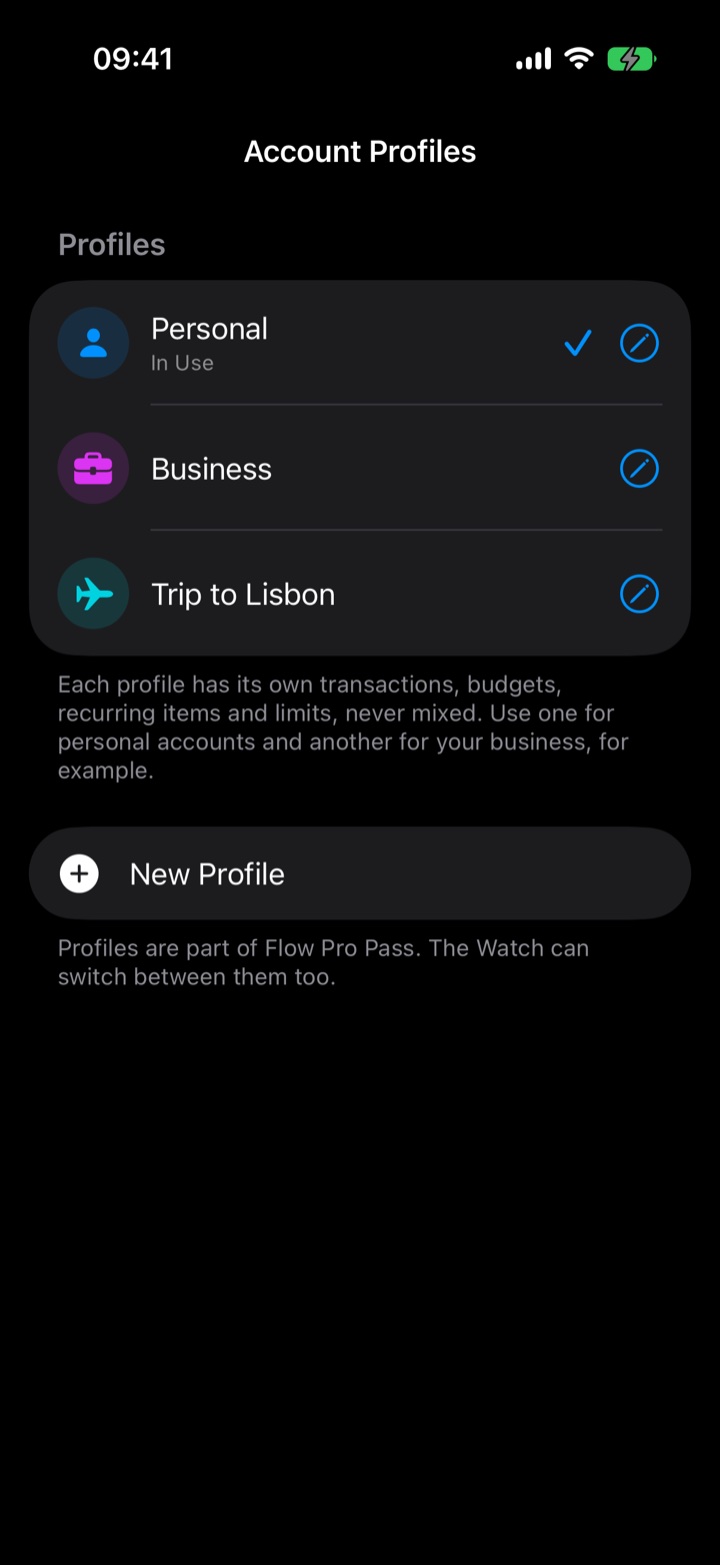
Personal, business, a trip. Each profile has its own entries, budgets, recurring items and limits, never mixed.
PersonalIn use
BusinessProfile
Trip to LisbonProfile
05Export
Export only what matters.
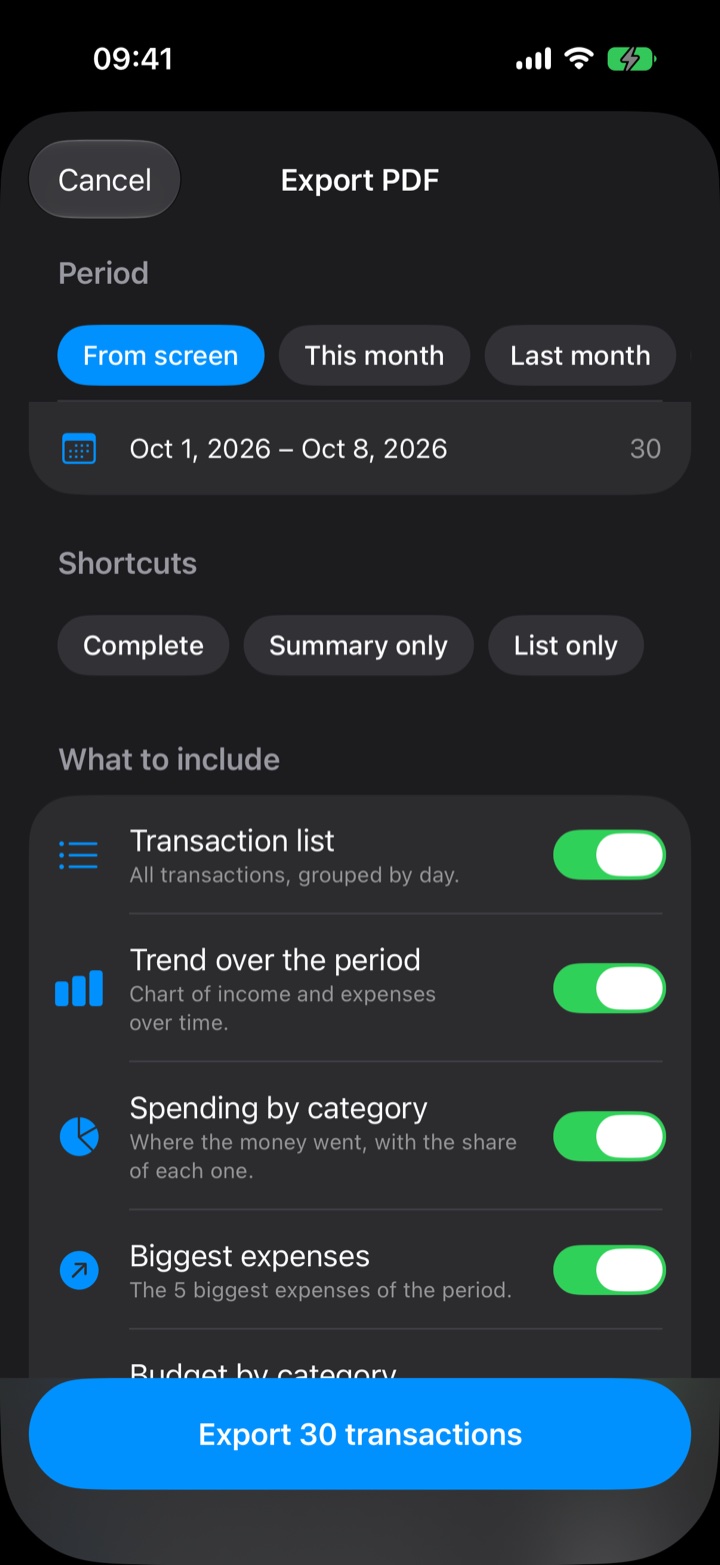
Choose the period and what goes in the PDF: list, evolution, spending by category, biggest expenses. Or use a shortcut.
FullShortcut
Summary onlyShortcut
List onlyShortcut
 Flow Pro